
What Changes When Your Business Runs Its Own AI? 10 Uses for DGX Spark
Where local AI earns its place: private data, custom models, repeatable work, and offline operation. Ten DGX Spark use cases, with a clear cloud comparison.

On this page13 sections
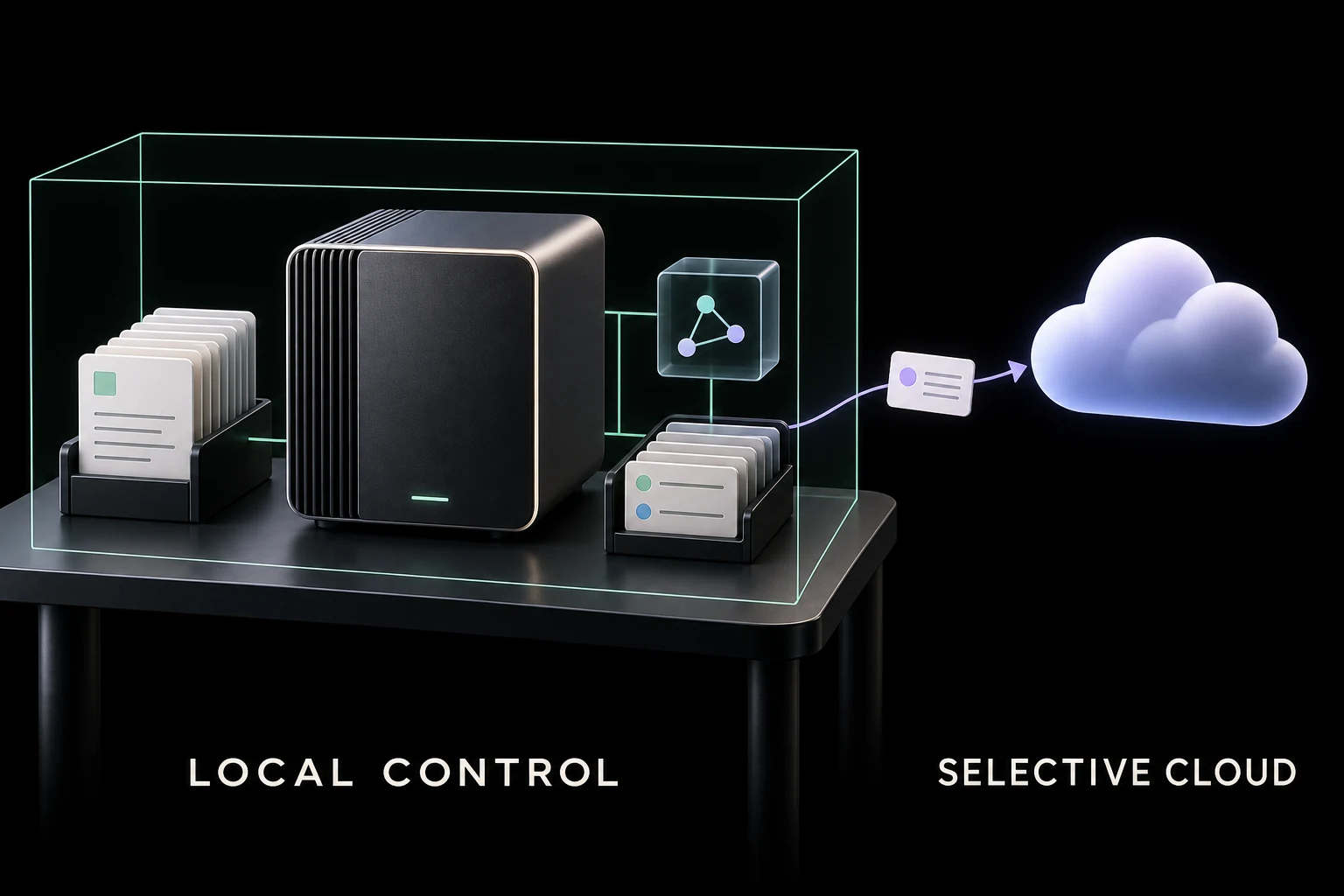
If you want help writing an email, brainstorming an offer, or improving a headline, open a cloud AI app. Those jobs rarely justify buying and maintaining an AI computer.
The case for NVIDIA's DGX Spark starts with different questions.
What could you do with the business (opens in a new tab) records you currently leave out of AI? What if you could keep a downloaded model that works, without depending on a provider to keep hosting it? What if your software could process a customer's documents without sending them to your servers at all?
Those questions concern where the work happens, what you can control, and which dependencies you are willing to accept. They are where local AI becomes interesting for an online business.
What you get that a chat subscription does not provide
DGX Spark (opens in a new tab) is a compact NVIDIA computer with 128 GB of shared memory and a software ecosystem for running, adapting, and serving supported AI models. You download model files and operate them on hardware you control.
The memory matters because it gives you room to evaluate larger models and combinations of tools that may not fit on an ordinary laptop. It does not guarantee faster or better answers. Smaller local systems can handle some of the uses below; Spark is worth considering when you need its memory and NVIDIA development tools together.
There are three different cloud comparisons:
- A cloud chat app gives you a convenient finished product. It is usually the easiest starting point for an owner who wants an answer or a draft.
- A managed model API lets developers automate work using a provider's models. Scheduling, document search, tool use, and batch processing are available here too.
- Cloud GPU hosting lets you run your own models and software on rented infrastructure. It can reproduce much of the customization discussed below. AWS, for example, supports deployment of custom model artifacts and inference containers (opens in a new tab).
The clearest local advantages are processing without sending inputs to an inference provider and operating without a live internet connection. Control over model files and software is an advantage over managed apps and APIs, but also exists with cloud GPU hosting. Cost advantages depend on the workload.
Here are ten ways those differences can matter. Each assumes a configured workflow, not capabilities that appear automatically when you plug in the computer.
1. Analyze the confidential records you currently exclude from AI
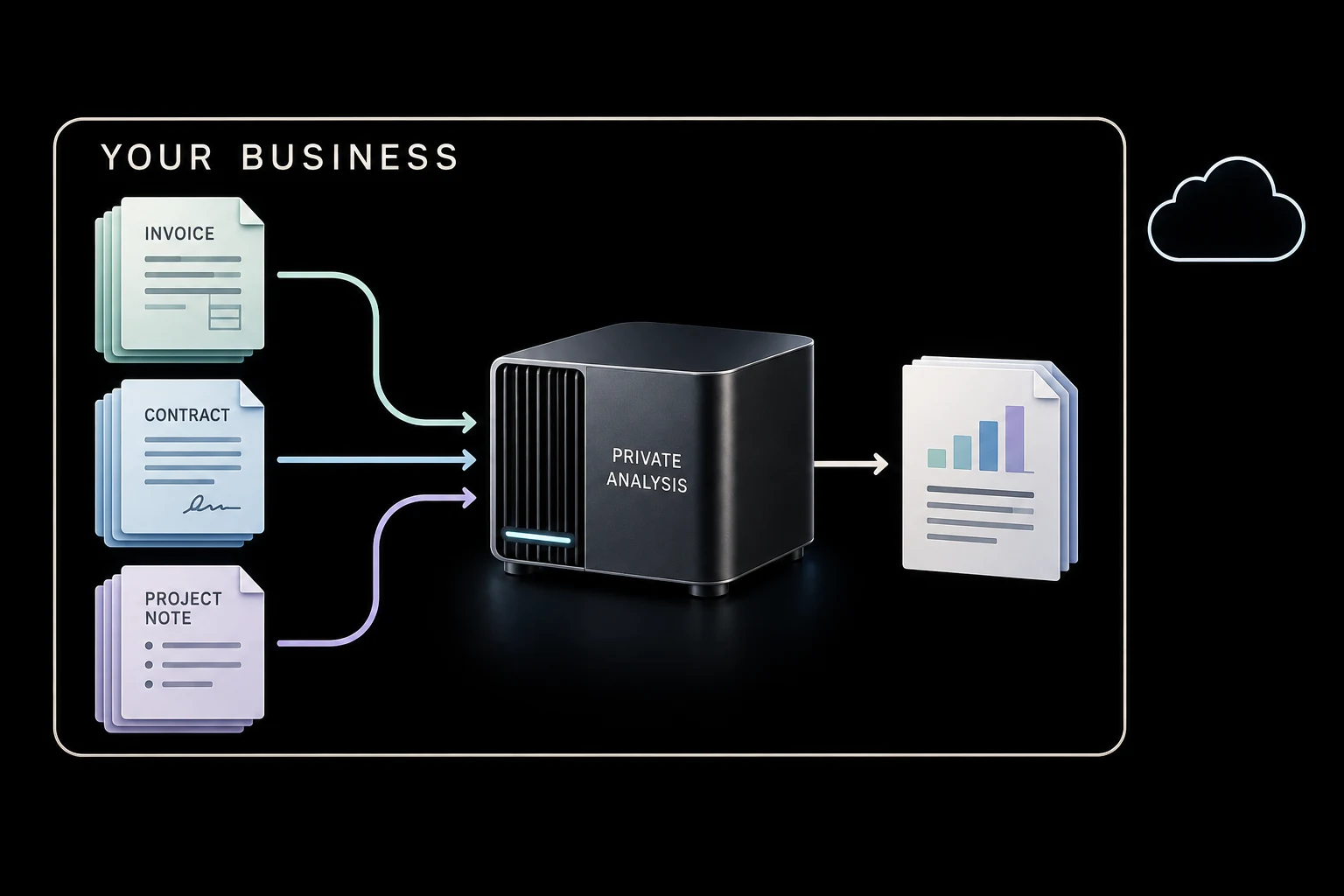
An agency wants to understand which projects are profitable. The useful evidence includes contractor invoices, private client terms, project notes, and the extra work that never made it into the original scope.
A properly configured local system can search those records, extract evidence, and help explain calculations performed by ordinary accounting or spreadsheet software. The documents, retrieved passages, prompts, and responses can stay inside the business's chosen environment.
Why local helps: you can use information that a rule against external AI processing would otherwise exclude. The advantage is access to the relevant evidence under that constraint. It is not a claim that a local model understands your business better.
Cloud providers offer meaningful privacy controls, including different retention arrangements. But data-retention terms (opens in a new tab) address what happens to transmitted data; keeping processing local avoids that transmission to an inference provider in the first place.
Choose cloud when its approved handling meets your requirements and managed search, permissions, and support save more effort. If the data must stay local, document parsing, search indexes, logs, and backups must follow that rule too.
2. Remove sensitive details before asking a stronger cloud model for help
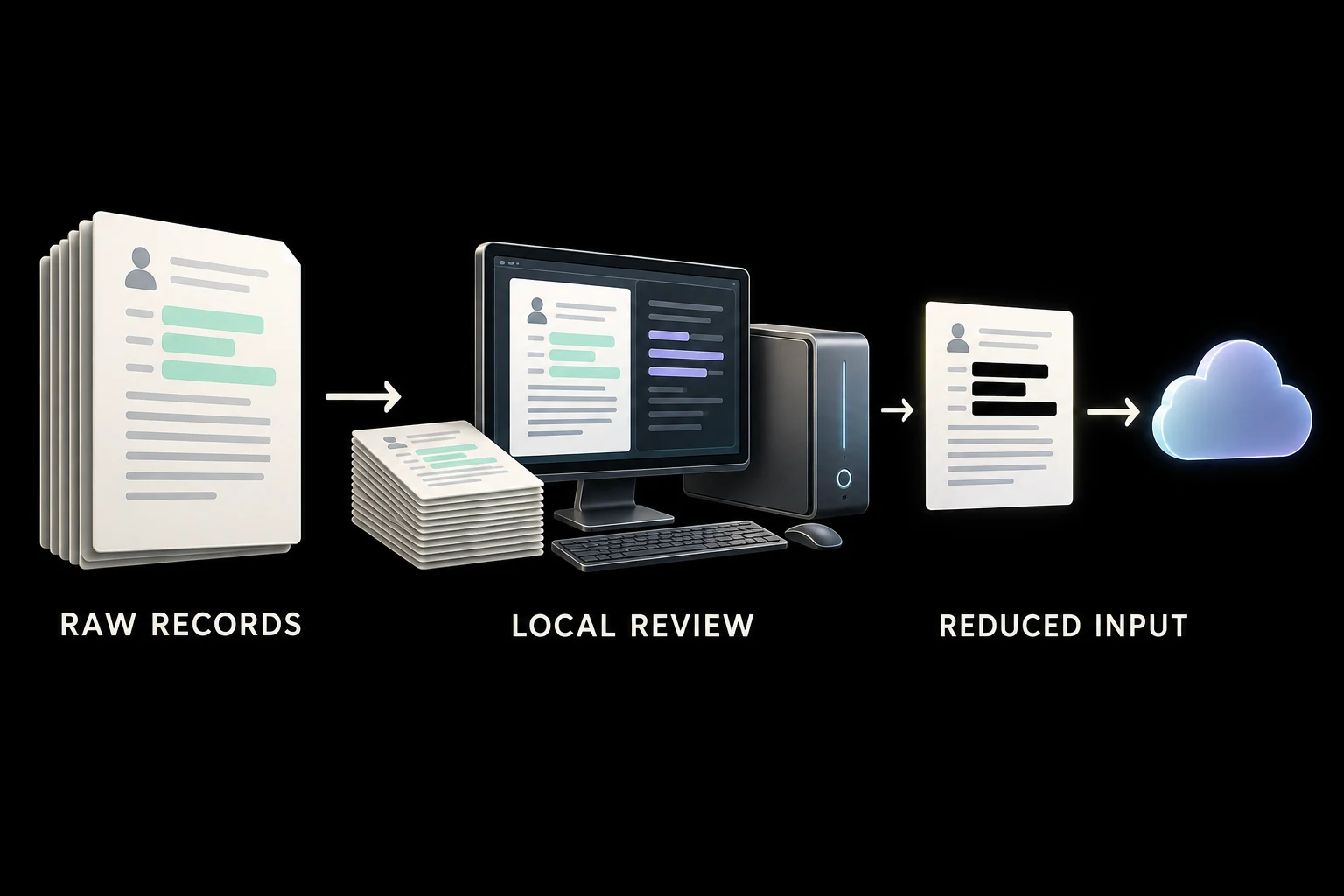
Sometimes you want a cloud model's reasoning, but it does not need the raw records.
A store could process customer complaints locally, replace identifying fields, and prepare a reviewed summary of recurring delivery problems. An approved cloud tool could then help develop a response plan from that reduced input.
Why local helps: the raw material is processed before crossing the boundary. Asking a cloud chatbot to redact a document requires sending it the document first.
This is a strong hybrid use: local extraction and data minimization, followed by selective cloud reasoning. Tools such as NVIDIA NeMo Guardrails support sensitive-data detection and masking (opens in a new tab), including local deployment options. A Spark implementation still needs a compatible stack and testing.
Redaction is fallible. A removed name does not make a distinctive story anonymous. Use explicit field rules, validation, and review; keep the original local when the remaining text cannot be safely shared.
Choose a simpler approach when rules-based redaction on your existing computer is enough. This workflow alone may not need Spark. Choose direct cloud processing only when sending the original is acceptable.
3. Search an unpublished media library without uploading the originals
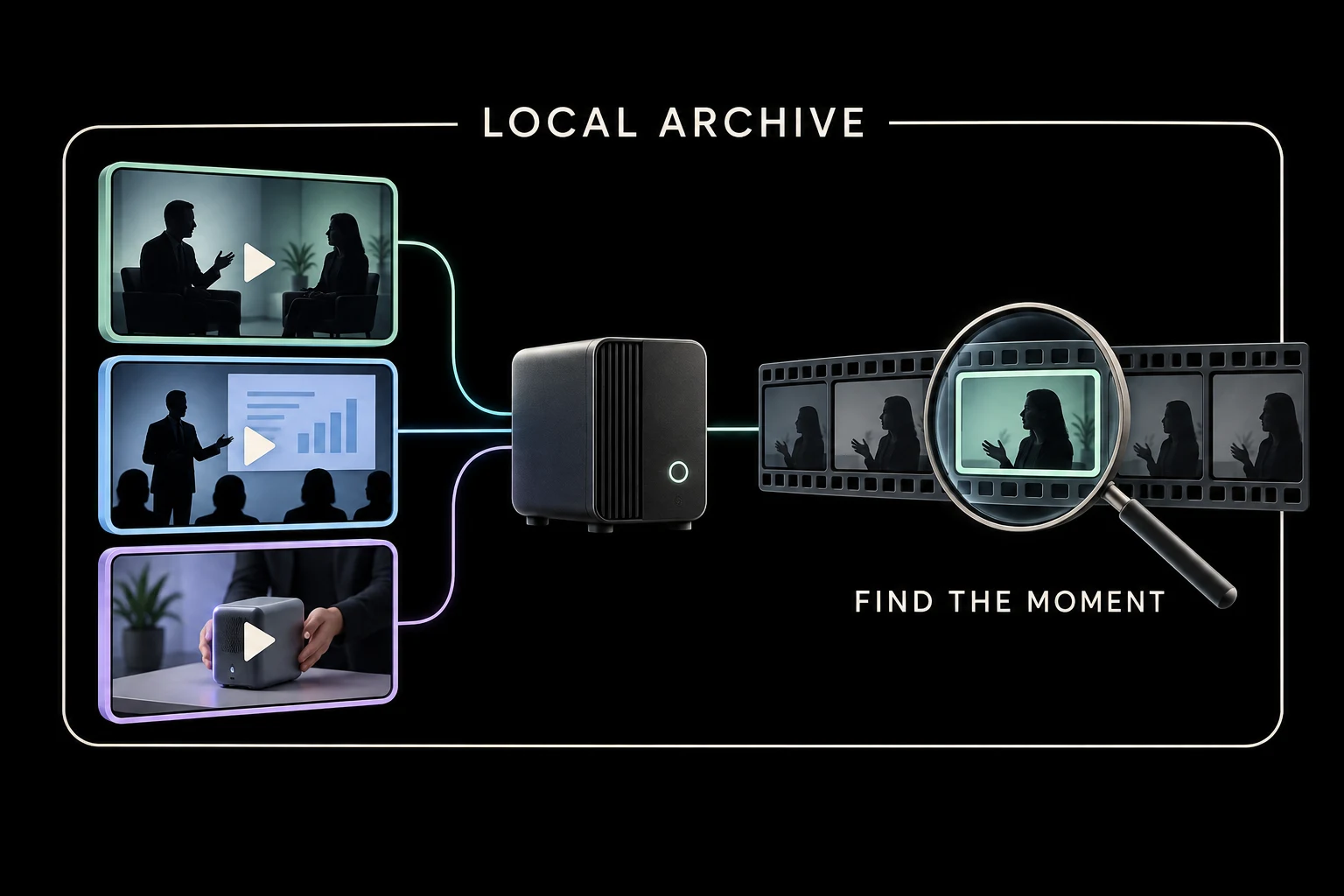
A course creator or production agency may have hours of interviews, screen recordings, and client footage stored locally. Finding one explanation or demonstration can require opening file after file.
A local pipeline can transcribe audio, inspect selected video frames, create a searchable index, and return candidate timestamps. NVIDIA documents a video search and summarization workflow (opens in a new tab) with a fully local Event Reviewer option and a separate hybrid option. The local example focuses on event review; a searchable interview archive needs its own transcription and indexing workflow.
Why local helps: large original files can remain where they already live. You avoid uploading the raw library to another AI service and can reprocess it when your tagging scheme changes. For unpublished client footage, location and control may matter more than generation speed.
This requires storage, transcription or vision software, and a model suited to the material. An index of transcripts will not find a visual detail that was never spoken; sampled frames can miss an event.
Choose cloud when the footage already lives in an approved cloud platform, its search tools do the job, or you need a large one-time processing run finished quickly. Spark is most plausible for a continuing local archive, not automatically for every video project.
4. Adapt a model to a narrow job using your own corrections
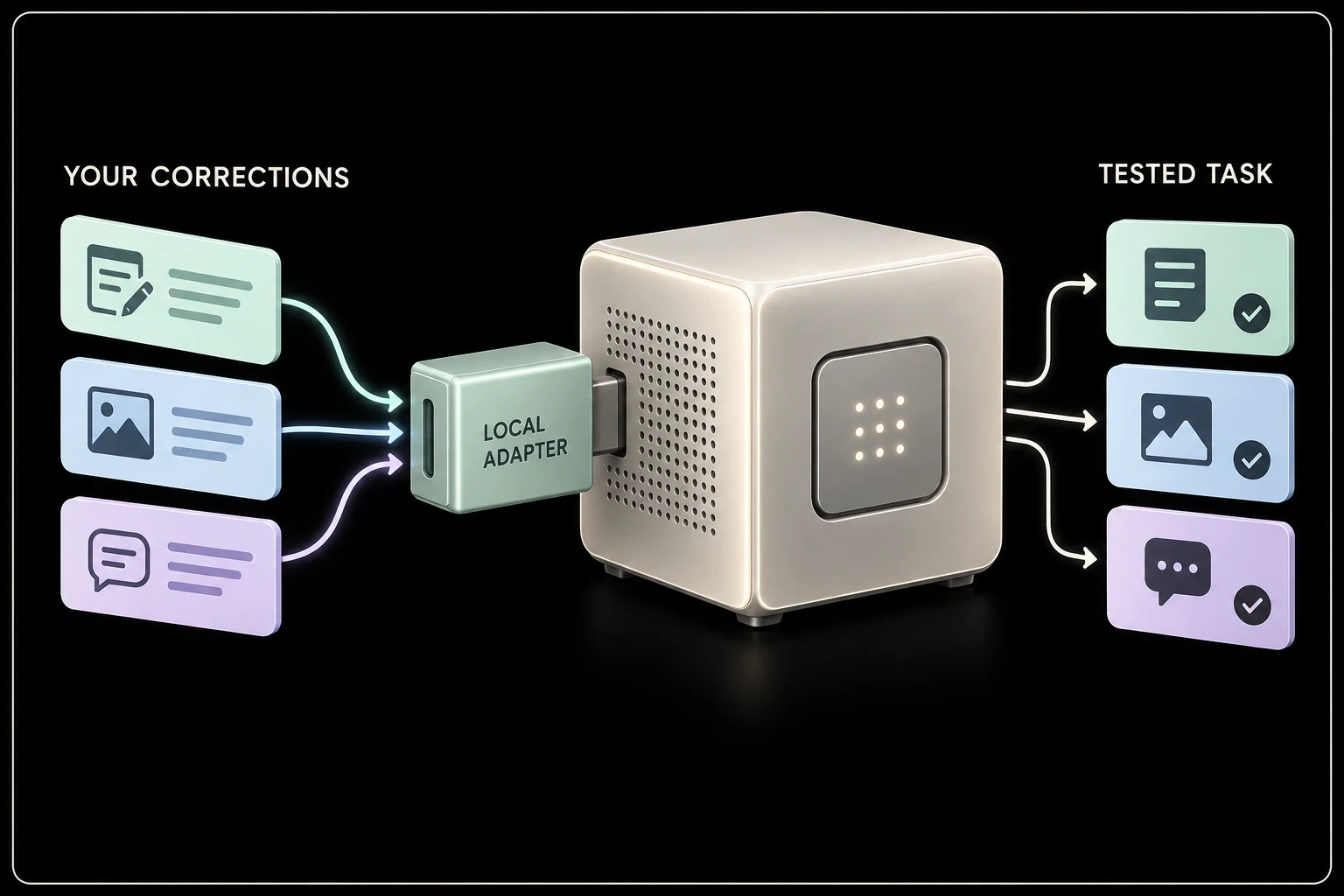
Your team keeps fixing the same mistakes: a support classifier confuses installation questions with warranty claims, or an extraction tool maps a supplier's terminology to the wrong catalog field.
With open model weights, you can test parameter-efficient fine-tuning: training a relatively small set of adjustments, often called an adapter, on examples of the behavior you want. NVIDIA publishes fine-tuning instructions for Spark (opens in a new tab).
Why local helps: training examples, adapters, and evaluation results can remain under your control. You can experiment with supported models beyond a chat app's customization menu. The result can become a reusable part of your business software.
First test clearer instructions and better source retrieval (opens in a new tab). Fine-tuning is most useful when those simpler methods still leave a recurring, measurable problem. Reserve examples the training never sees so you can check whether the model learned the task rather than memorized the sample.
Choose cloud when training is occasional, needs more memory or compute, or a managed customization service meets the requirement. Cloud GPUs can train your own adapters too. Spark offers local ownership of that work, not an exclusive ability to fine-tune.
5. Keep a proven model running on your own upgrade schedule
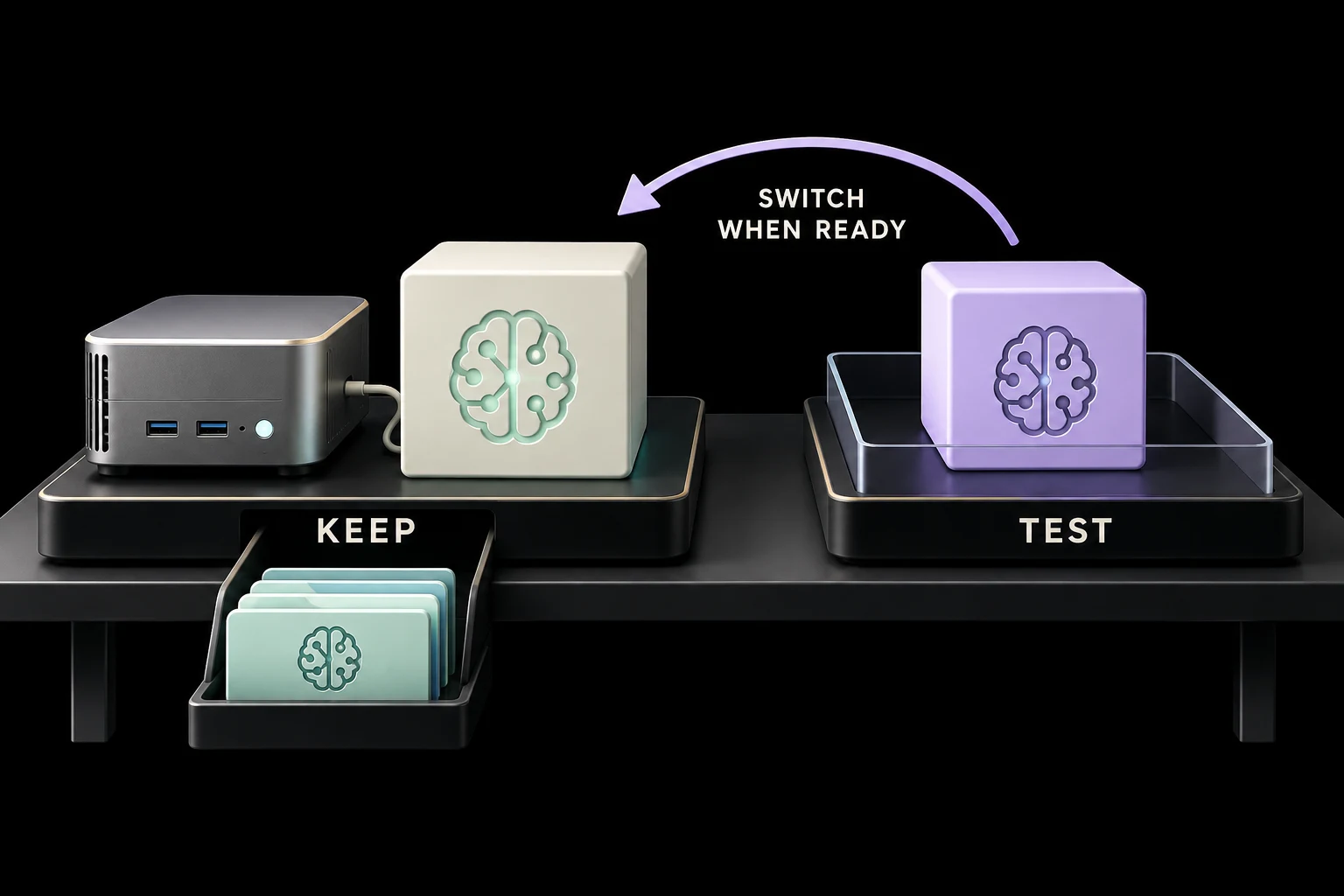
Suppose your team validates a model that sorts inquiries into twelve categories and produces records your software can reliably consume. A different model might be more capable overall and still change the classifications enough to disrupt that workflow.
With a downloadable model deployed locally, you can retain the model files, tokenizer, runtime, configuration, and test cases. Hugging Face supports downloads from specific revisions (opens in a new tab), which helps preserve the installation you evaluated.
Why local helps: access to that installation does not depend on a managed provider continuing to serve it. You can compare a replacement before switching and retain a rollback path, subject to licensing and software compatibility.
Managed APIs can provide stable model versions, but they also have retirement schedules. Anthropic (opens in a new tab)'s model lifecycle documentation (opens in a new tab) makes that distinction explicit.
This gives you control over change, not perfectly deterministic answers or freedom from security maintenance.
Choose cloud when provider-managed updates and support are more valuable than retaining the installation. Self-hosting the same saved model on a cloud GPU offers similar version control; local hardware also removes the hosting dependency.
6. Run recurring processing jobs without a token invoice for every pass
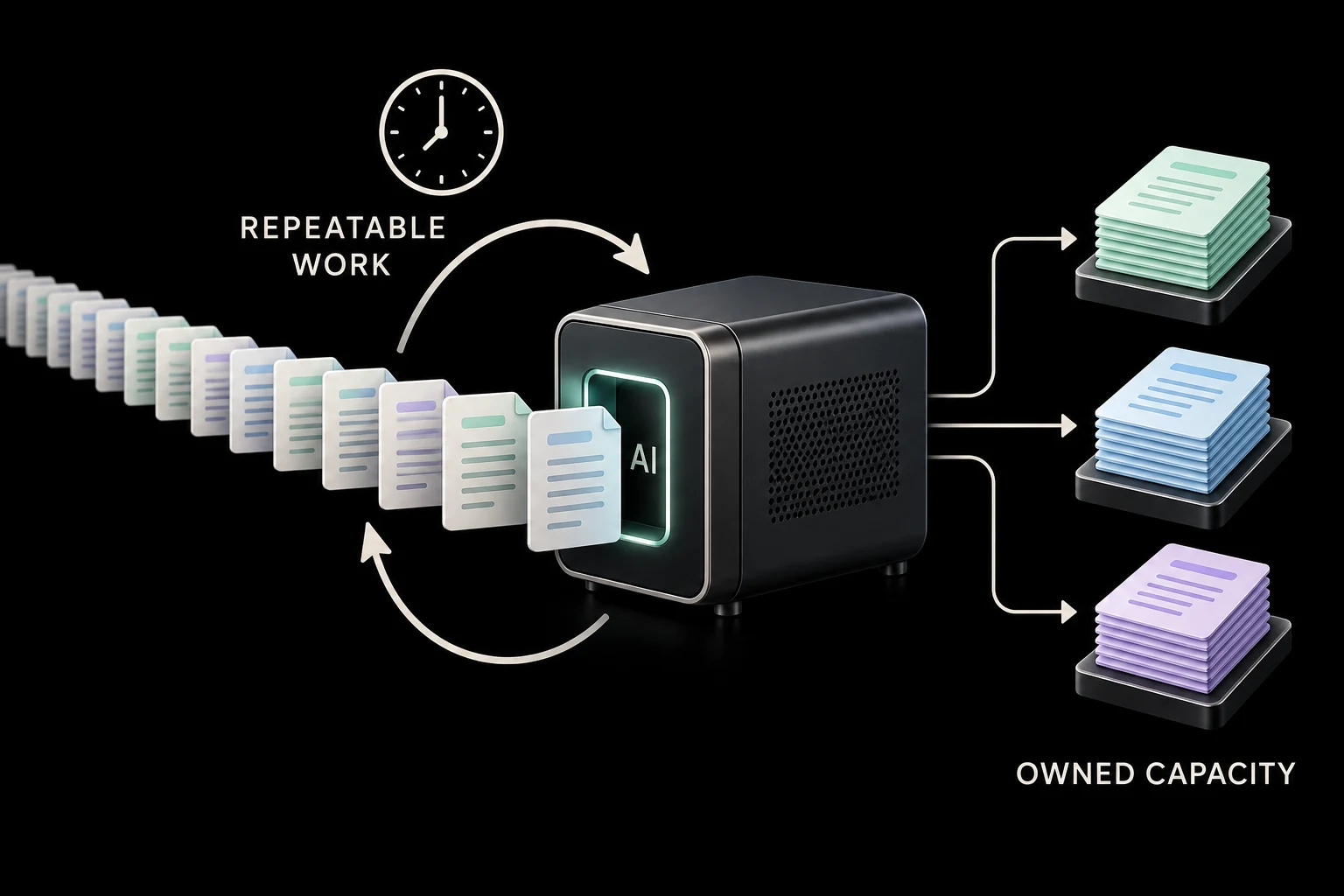
A content business changes its taxonomy and needs to reclassify its archive. Next month, it adds a new audience segment and wants another pass. An ecommerce team wants every newly exported review checked against a changing list of product issues.
These are bounded jobs that can wait in a queue. A tested local model can process them on Spark whenever capacity is available.
Why local helps: once you own the machine, another pass consumes your compute time and electricity rather than generating another hosted inference charge. Repeated, steady workloads are a more credible ownership case than occasional brainstorming.
That does not make them free or unlimited. The machine has finite throughput. Administration, depreciation, corrections, and the work displaced by a long run all count.
Choose cloud when the work is infrequent, arrives in large bursts, or costs less through a batch API. For example, Anthropic offers batch processing at half its standard API rates (opens in a new tab). Compare against that kind of alternative, not only the most expensive interactive model.
The deciding metric is total cost per correctly processed record at the required turnaround time.
7. Work with private code without sending it to a model provider
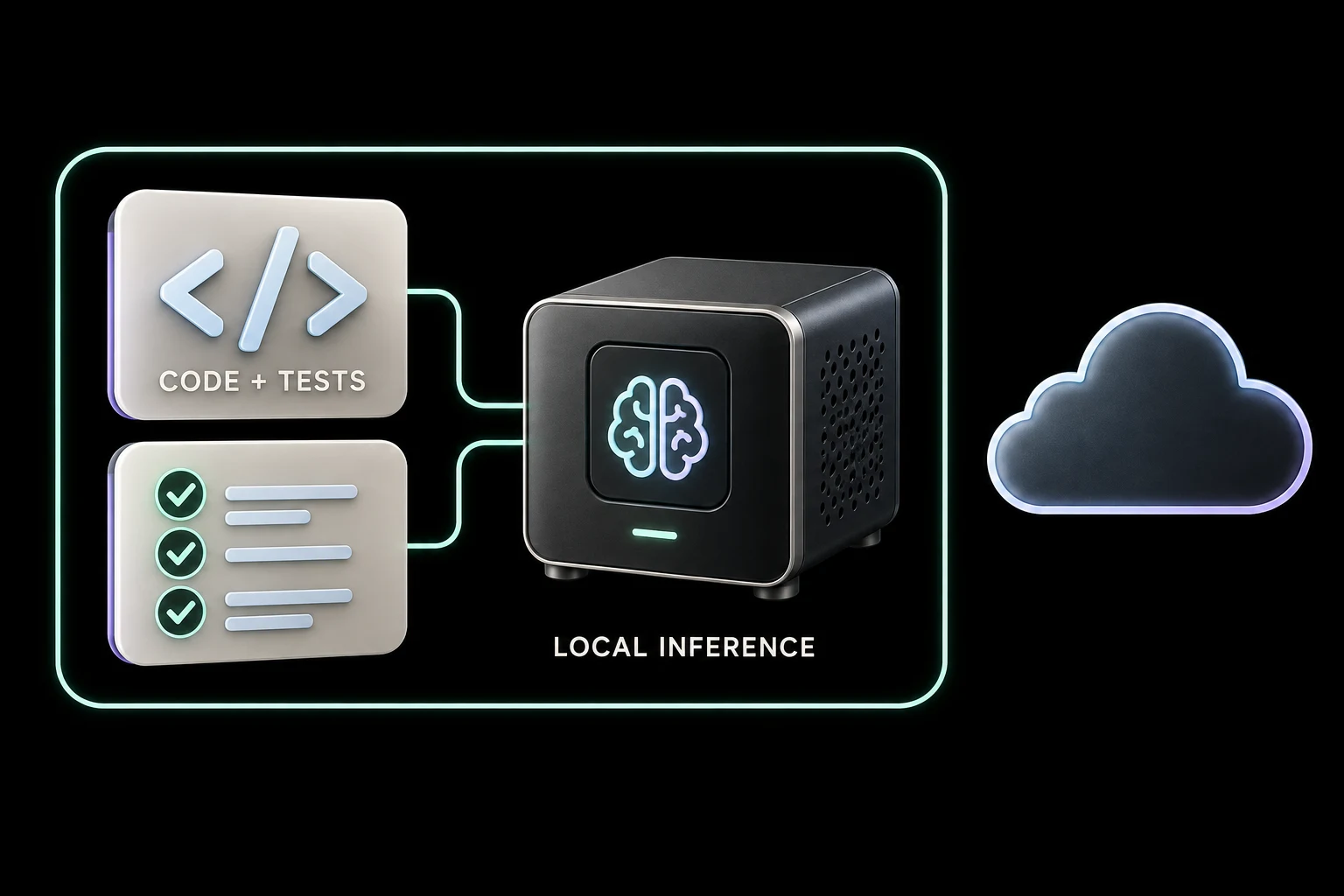
A coding assistant can run on your laptop while its language model runs in the cloud. Those are different locations. Anthropic's Claude Code documentation (opens in a new tab) explains that relevant portions of locally read files are sent to the API for inference.
A local-model agent can instead inspect a development copy of your application, run permitted tests, and interpret their output with inference inside your network.
Why local helps: proprietary code and model-visible test output need not travel to an external inference provider. That can make AI assistance usable on projects where the data boundary rules out a cloud-backed agent.
NVIDIA documents a local CLI coding-agent setup for Spark (opens in a new tab). A business deployment still needs deliberate controls over file access, command execution, and network connections; local execution alone does not make an agent safe.
Choose cloud when sharing the relevant context is approved and the hosted model finishes the task with less supervision. Local code assistance is a control choice, not a promise of better coding. Keep either agent in a development environment and review production changes.
8. Test an AI product with your real evaluation data before choosing its hosting
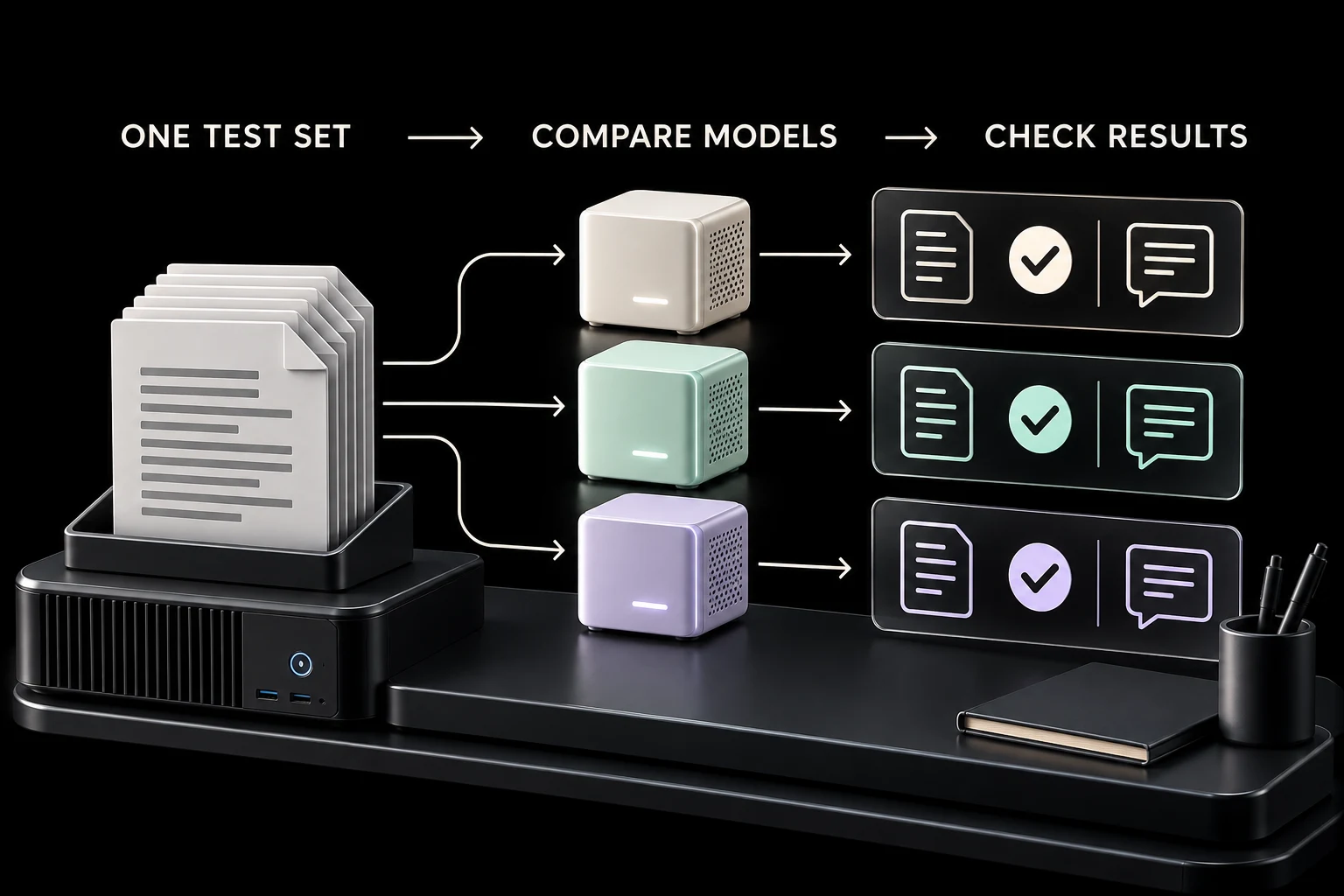
For a founder building software, the important question may be whether an open model can do one specific job well enough to power a feature.
A subscription research tool, for example, might need to extract particular fields from documents using a fixed schema. Spark can serve as a development environment for comparing supported models, prompts, adapters, and numerical precision against the same private test set.
Why local helps: you can inspect and change the model weights, adapters, and numerical precision. Repeated experiments can use owned capacity while the evaluation documents remain local. NVIDIA provides a Spark workflow for model quantization (opens in a new tab), which reduces numerical precision to explore memory and performance tradeoffs.
The output is evidence: which setup meets your quality standard, how much review it needs, and where it fails. A local prototype's speed does not predict production performance on different hardware.
Choose cloud when you need many experiments in parallel, a model exceeds Spark's capacity, or faster completion is worth the rental cost. For public launch, cloud serving may also be preferable: providers such as Hugging Face offer autoscaling for changing demand (opens in a new tab).
9. Keep selected internal work available without internet access
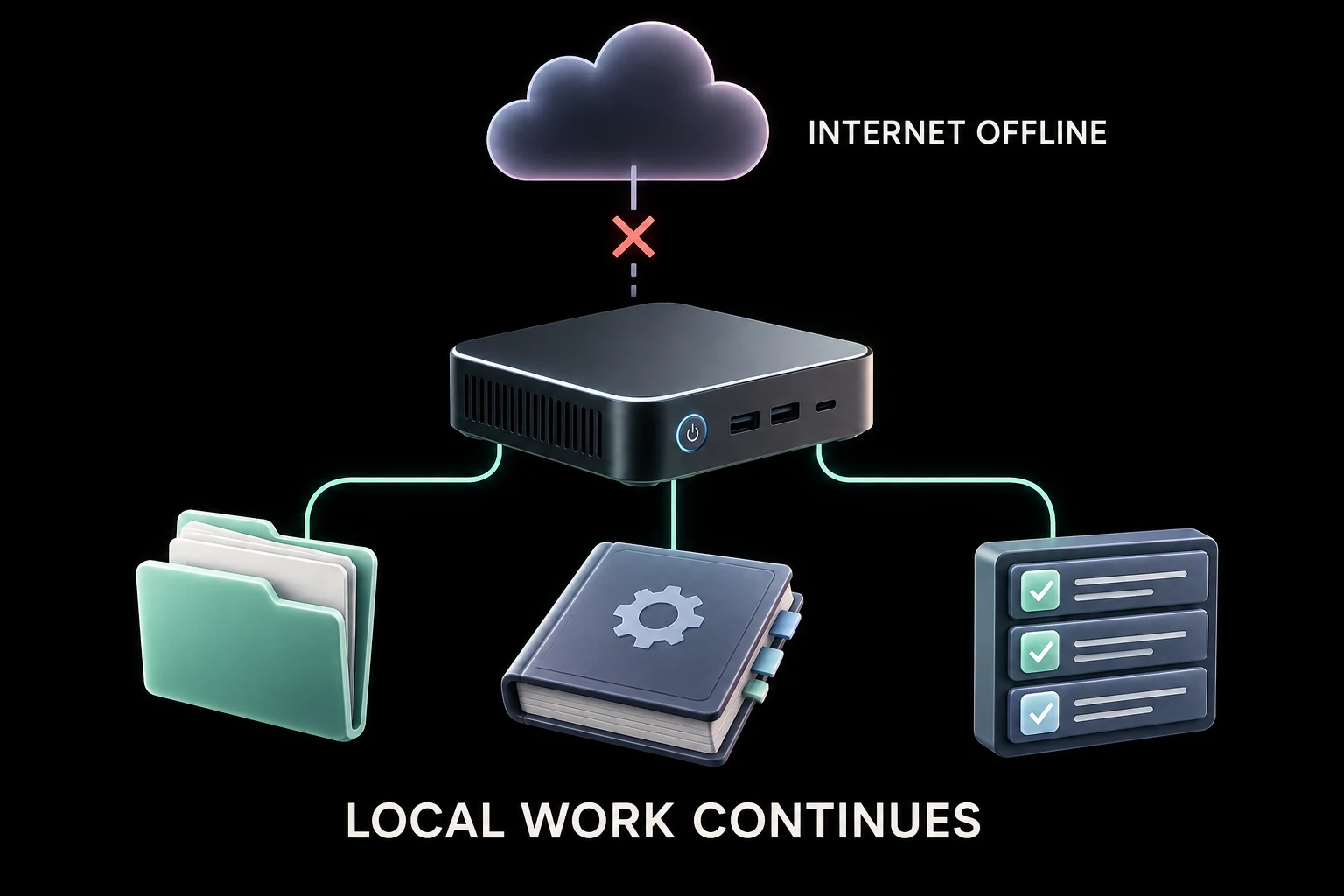
If the internet connection drops, a downloaded model can still work with documents and tools already available locally. Your team could search operating procedures, draft from saved project files, or continue processing a prepared batch.
Why local helps: an external inference service cannot answer a request it cannot receive. Local inference removes that particular dependency.
The complete workflow must be prepared first. Ollama documents a local-only mode (opens in a new tab), but your application may still depend on online authentication, search, document storage, or other services. Test the intended tasks with internet access unavailable before relying on them.
Spark will not make Shopify, a cloud CRM, or live order data work offline. A remotely located employee may also lose access to the office machine. Power, local networking, and the computer itself remain dependencies.
Choose cloud as the primary service when work already depends on online systems and managed availability matters more. Treat offline internal capability as an additional benefit, rarely the sole reason an online business should buy Spark.
10. Build a product customers can run inside their own environment
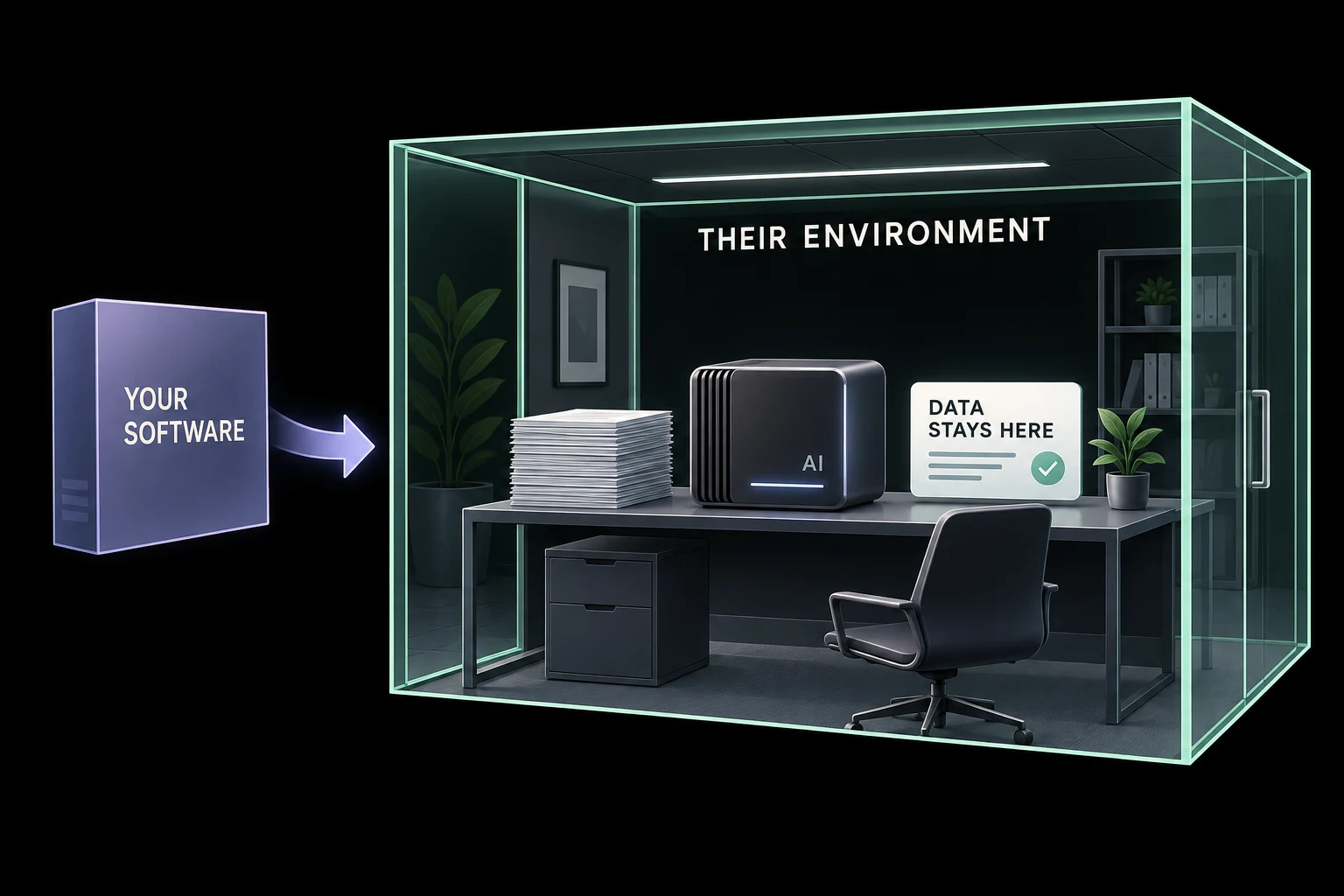
For a software company or agency developing tools, local AI can change the offer itself.
Imagine an internal document assistant whose model and search index run on the customer's premises. The product can be designed so document contents do not need to reach your company's inference servers. That may make it suitable for a buyer whose requirements exclude hosted processing.
Why local helps: an ordinary cloud chatbot cannot fulfill an offline, on-premises processing requirement. Spark can be a development machine or a target for a small deployment, allowing you to test the actual local installation rather than merely promise one.
This is an advanced product-development opportunity. You need installation, access controls, updates, backups, support, and a model license that permits the intended use and distribution. OpenAI (opens in a new tab)'s gpt-oss model card (opens in a new tab), for example, identifies its Apache 2.0 license; other models have different terms.
Choose cloud when buyers prioritize effortless onboarding, access from anywhere, and managed operation. A local edition creates support responsibilities and is worth building only after customers demonstrate a need for it. You do not need to promise a Spark to every customer; size the hardware to the validated workload.
Where I would keep using cloud AI
For most owners, I would keep a cloud app for occasional writing, brainstorming, and general assistance. For a difficult task, use the model that produces the best checked result at an acceptable cost; running locally is not evidence of higher quality.
I would also lean toward cloud services for work centered on approved SaaS data, unpredictable customer traffic, and large bursts of computation. Managed integrations and elastic capacity can save more work than owning a machine does.
The strongest Spark candidates are more specific: information you need to keep out of hosted inference, a model installation you need to control, repeated processing that passes a real cost comparison, or software that must operate locally.
If those conditions do not apply, the easier cloud option is probably the right starting point.
A practical way to decide
Choose one workflow and write down the reason it needs to be local. “We want AI” is not enough. “These source documents cannot be sent to an inference provider” is a clear requirement. So is “this recurring workload is expensive enough that owning capacity may reduce its total cost.”
Then run a representative test with a compatible model. Compare quality, correction time, completion time, and the full operating cost. Use the best relevant alternative: a chat app for occasional assistance, a batch API for queued processing, or rented GPUs for custom models.
Give someone responsibility for the system. Count installation, updates, access management, backups, and troubleshooting. Verify where the data actually travels. A privacy requirement is not satisfied by selecting a model labeled “local” while another component sends the documents elsewhere.
You may end up with a useful split: Spark prepares approved local evidence and handles routine jobs; cloud models help with selected harder tasks. Make those routes explicit so a fallback never silently changes the data boundary.
If you are deciding where AI belongs in your website, content operations, or customer experience, join the Prism waitlist. Start with the business requirement. Choose the model and the machine to match it.
