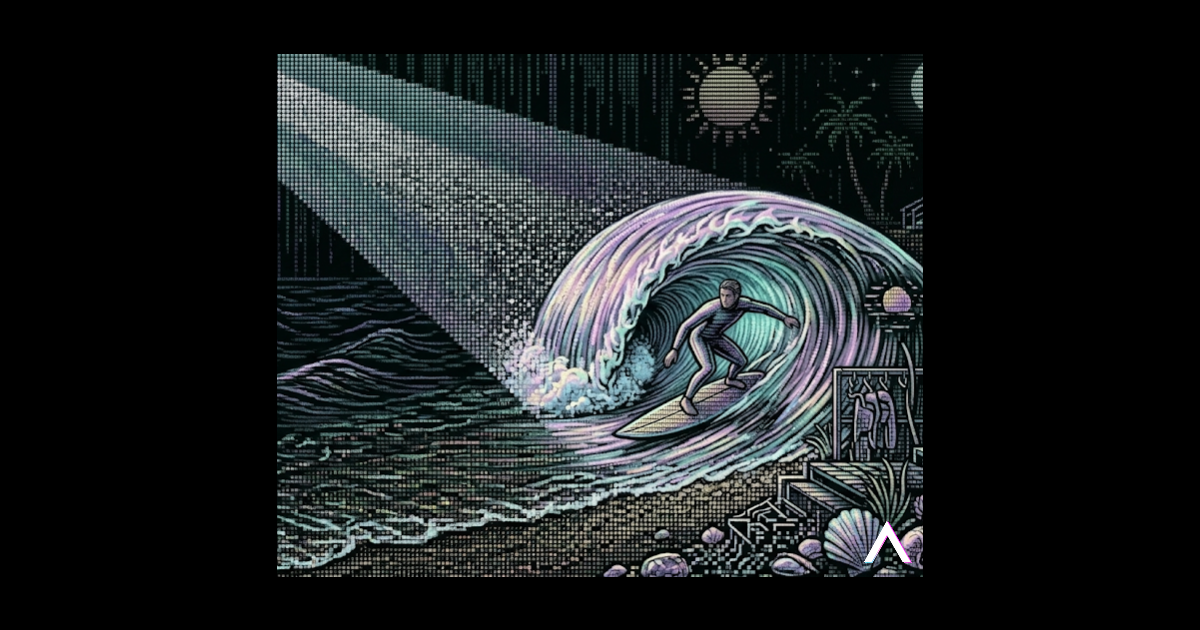
how we used midjourney video to add motion to the prism homepage without slowing performance, plus a simple workflow.
share this post
stay in the loop
When we publish new experiments or playbooks, we’ll send you the highlights so you can apply them faster.
Your feedback helps us improve how we deliver practical playbooks.
Productized execution
AI can compress execution time, but reliability comes from systems. Prism builds repeatable AI workflows that are trackable, auditable, and business-relevant.
Keep learning
More experiments and playbooks from the Prism team.
from strategy to shipped ui: fast pages, clear messaging, and measured outcomes.
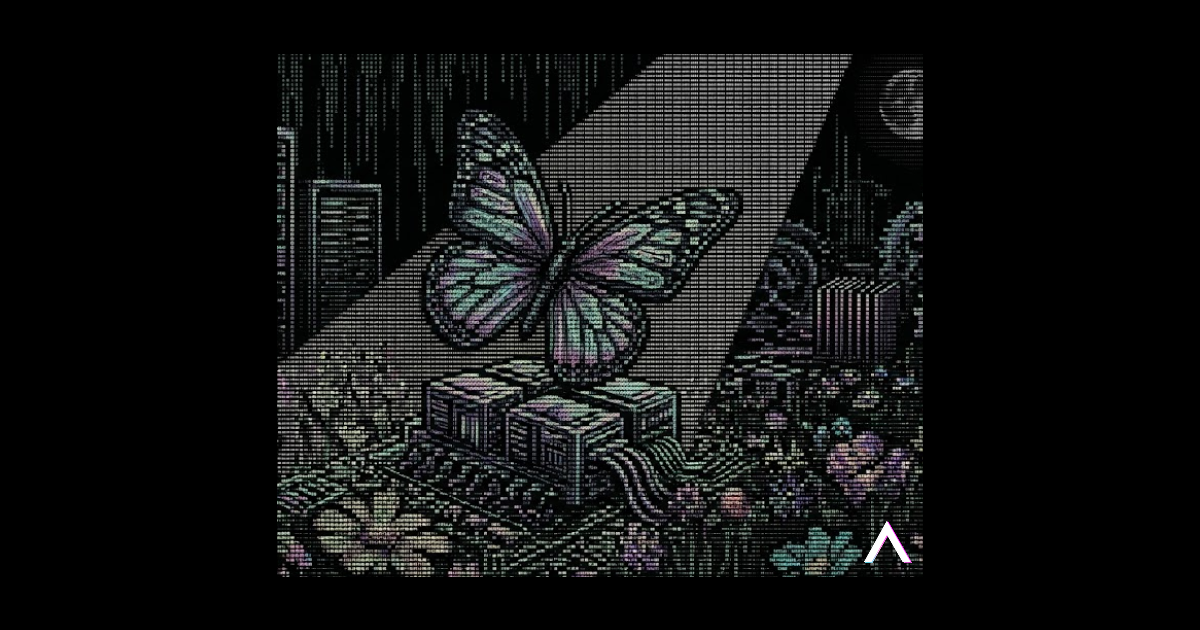
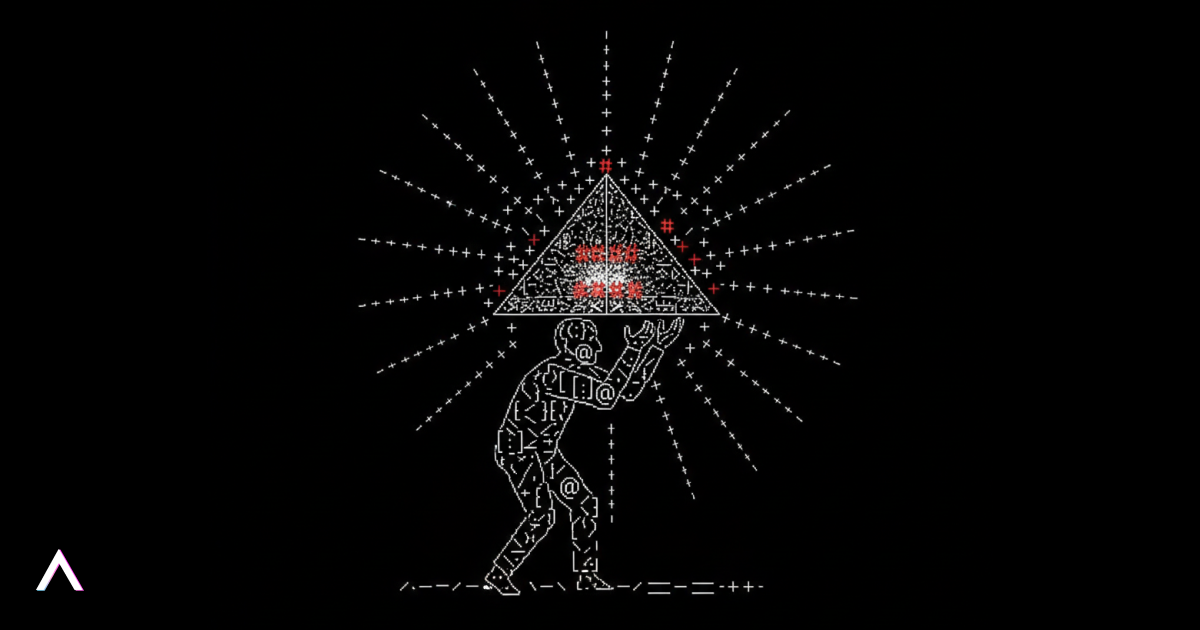
Stunning motion doesn't have to drain your budget - if you know the right AI tools.
A scroll-stopping hero section or subtle background loop instantly shows that your brand sweats the details. Until recently that polish required hiring a motion studio, long revision cycles, and thousands of dollars per clip.
AI generation flips the script: we now prototype, iterate, and ship micro-animations in hours, not weeks - freeing budget for growth (opens in a new tab) experiments elsewhere.
Old workflow: design (opens in a new tab) > storyboard > animate > render.
New workflow: prompt a single image > click Animate > download.
Steps:
Midjourney's UX mirrors good design thinking: diverge widely, then converge decisively.
Before: static gradient and generic stock art.
After: a gently looping AI video that signals creativity and technical mastery.
Early results:
object-fit: cover.Look out for future deep dives on:
Send us your creations - DM @design_prism on Instagram - and let us know what you'd like to learn next.
Watch the full step-by-step walk-through below:
Happy creating!